If you’re looking for Vue Laravel developer for hire in your next project, you’ve landed in the right place. Whether you’re a small business owner or a startup founder, Vue and Laravel quietly became the most productive full-stack pairing on the market — and in this guide — as a Vue Laravel developer for hire myself — I’ll show you exactly why.
I’ve been building client applications with Laravel and Vue for years, and the release trajectory toward Vue 4 only cements what I already knew: this is the stack I’d recommend to any SMB that wants clean code, fast delivery, and a maintainable product.
Let’s explore why this combination works, how Vue 4’s Composition API changes the game, and what it looks like when you actually ship something real with it.
Why Laravel + Vue Is the Smartest Stack for SMBs
Before we get technical, let me answer the business question: why does this even matter for a small or medium business?
Most SMBs don’t need the complexity of a distributed microservices architecture. What they need is something that:
- Gets built fast (time-to-market matters)
- Is maintainable by a small team or a single developer
- Can be handed off without a six-month onboarding process
- Scales when the business grows — without a full rewrite
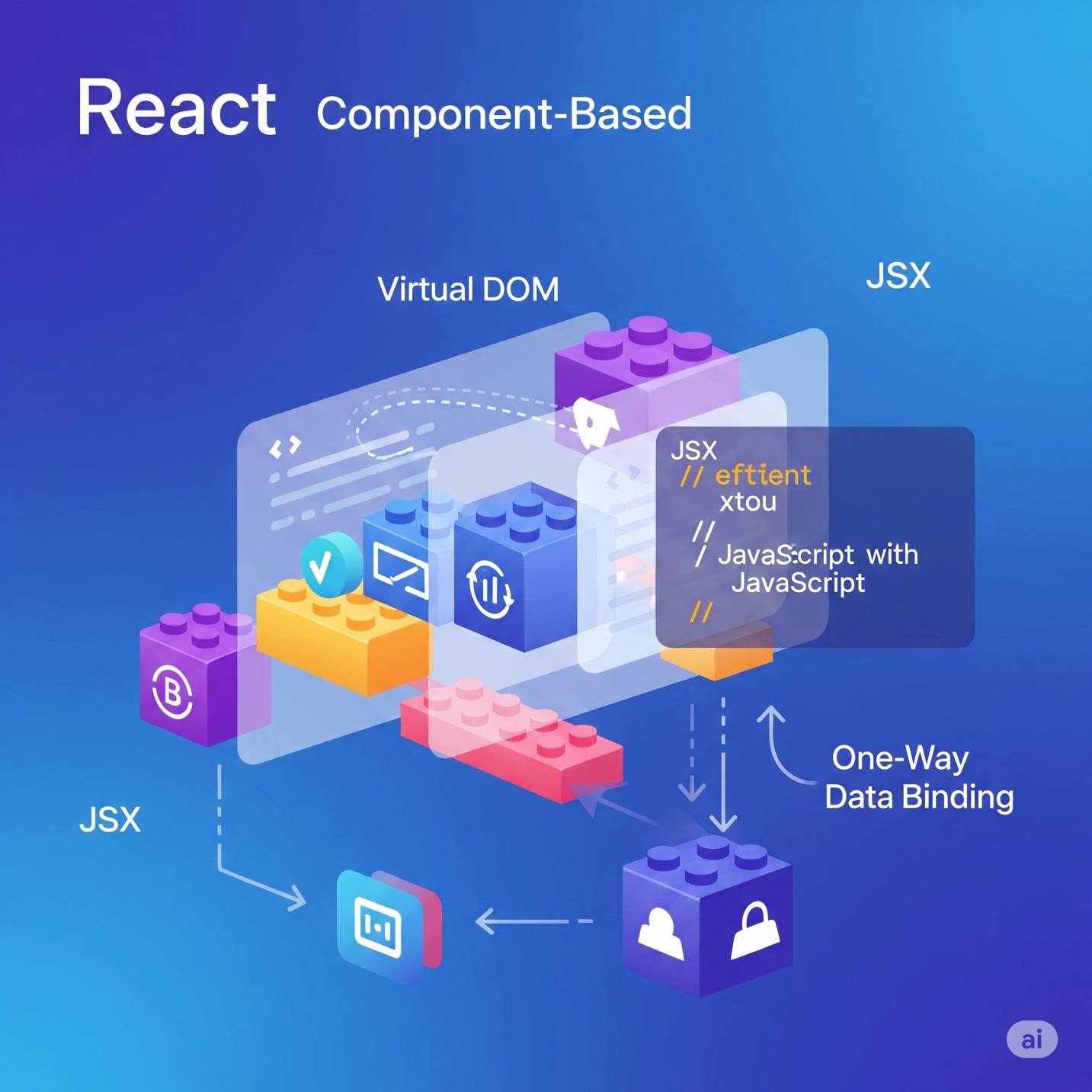
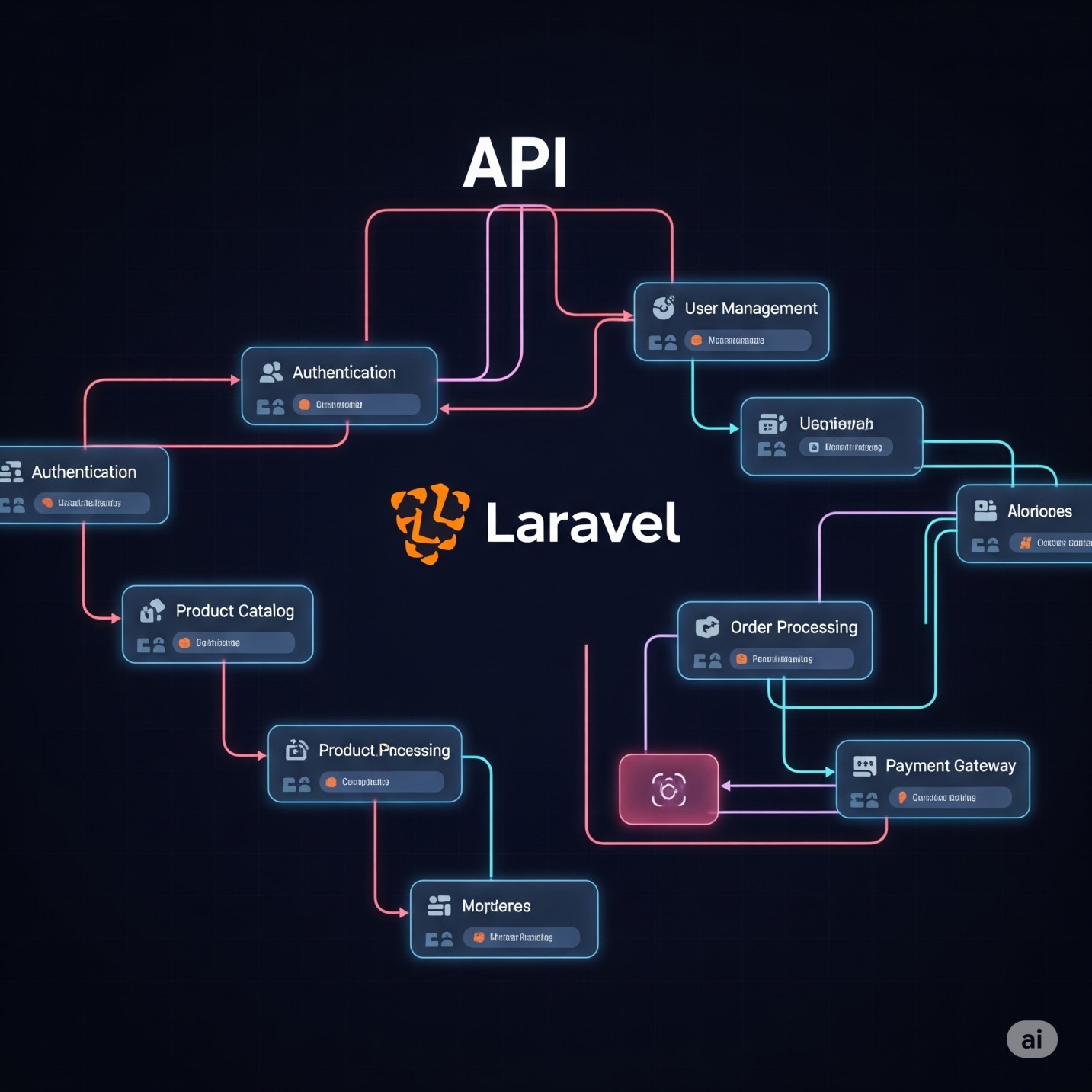
Laravel and Vue check every single one of those boxes. Together, they form a full-stack monolith with a clean separation of concerns — the backend handles business logic, authentication, and APIs, while the frontend delivers a modern, reactive user experience.
Here’s a quick breakdown:
| Layer | Technology | Role |
|---|---|---|
| Backend API | Laravel 11+ | Auth, DB, business logic, REST/JSON API |
| Frontend SPA | Vue 4 | Reactive UI, Composition API, state management |
| Database | MySQL / PostgreSQL | Relational data storage |
| Caching | Redis | Session, queue, cache layer |
| Deployment | Forge + DigitalOcean | Managed server provisioning |
This isn’t a theoretical stack. It’s what I used to build Planolitix, a finance SaaS platform, and WorkMatePOS, a full-featured point-of-sale system — both delivered as production applications for real clients.
What’s New in Vue 4 — And Why the Composition API Finally Clicks
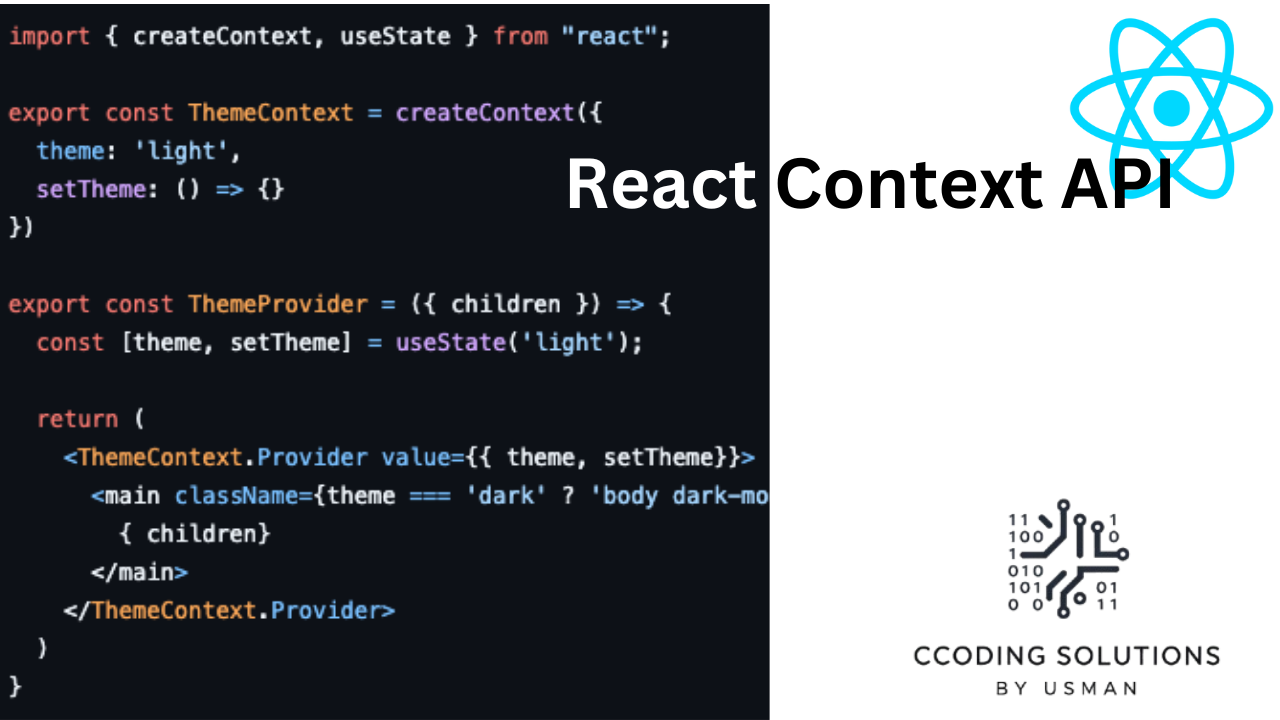
Vue 4 is still rolling toward its stable release, but the direction is clear: the Composition API is now the canonical way to write Vue. The Options API isn’t going anywhere, but Composition API is where the ecosystem is heading — and for good reason.
Here’s the honest truth: when Vue 3 first introduced the Composition API, a lot of developers (myself included) had to unlearn some habits. It felt verbose at first. But now? I can’t imagine going back.
The Core Shift: Logic by Feature, Not by Lifecycle
The Options API organizes code by type — all your data, then all your computed, then all your methods. When a component grows to 500 lines, finding where a feature lives is a nightmare.
The Composition API lets you organize by feature. All the logic for user authentication lives together. All the logic for form validation lives together. This makes components dramatically easier to reason about.
A Real Vue 4 Composition API Tutorial Example
Here’s a practical snippet showing how you’d build a reusable composable for fetching data from a Laravel API:
// composables/useApiData.js
import { ref, onMounted } from 'vue'
import axios from 'axios'

export function useApiData(endpoint) {
  const data = ref(null)
  const loading = ref(true)
  const error = ref(null)

  const fetchData = async () => {
    try {
      loading.value = true
      const response = await axios.get(`/api/${endpoint}`)
      data.value = response.data
    } catch (err) {
      error.value = err.message
    } finally {
      loading.value = false
    }
  }

  onMounted(fetchData)

  return { data, loading, error, refresh: fetchData }
}
Now in any component, you can write:
<script setup>
import { useApiData } from '@/composables/useApiData'

const { data: products, loading, error } = useApiData('products')
</script>

<template>
  <div v-if="loading">Loading...</div>
  <div v-else-if="error">{{ error }}</div>
  <ul v-else>
    <li v-for="product in products" :key="product.id">{{ product.name }}</li>
  </ul>
</template>
This is clean, testable, and reusable across your entire application. The composable pattern is one of the biggest productivity wins I’ve seen in modern Vue development.
Vue 4’s Performance & Reactivity Improvements
Vue 4 builds on Vue 3’s Proxy-based reactivity system with further compiler optimizations. The key improvements relevant to SMB apps:
- Faster component initialization through improved static tree hoisting
- Smaller bundle sizes with enhanced tree-shaking
- Better TypeScript support out of the box — no more fighting the type system
- Improved
<Suspense>for async components — cleaner handling of loading states across your app
For an SMB app handling moderate traffic, these are meaningful wins — especially when you’re shipping on shared or modestly-sized infrastructure.
How Laravel Powers the Backend So You Can Focus on Features
Laravel has earned its reputation as “the PHP framework for web artisans” — and it still deserves it. When I’m scoping a new client project, Laravel gives me several things out of the box that would take weeks to build from scratch:
Authentication in Minutes, Not Days
Using Laravel Sanctum (for SPA auth) or Passport (for OAuth flows), you can have a fully working token-based authentication system in a matter of hours. I’ve implemented complete multi-role auth systems for clients — admin, staff, customer — in a single day with Laravel.
Eloquent ORM: SQL That Reads Like English
// Get all active clients with their invoices from the last 30 days
$clients = Client::where('status', 'active')
    ->with(['invoices' => function ($query) {
        $query->where('created_at', '>=', now()->subDays(30));
    }])
    ->get();
This kind of expressive querying is what makes Laravel a joy to work with. No raw SQL juggling. No boilerplate. The code reads like a business requirement, which makes it easier to maintain.
Queue Jobs for Heavy Lifting
SMB apps often need background processing — sending emails, generating PDFs, syncing data with third-party services. Laravel’s queue system handles all of this cleanly with drivers for Redis, SQS, and database queues. I regularly set up job queues for client apps to handle invoice generation and notification dispatch without blocking the user interface.
Real-World Case Study: Building a Finance SaaS with Vue + Laravel
When I built Planolitix — a finance SaaS platform — the client needed a multi-tenant application where businesses could track transactions, generate reports, and manage users across departments.
Here’s how Vue + Laravel divided the work:
Laravel handled:
- Multi-tenant data isolation using scoped queries
- Report generation queued as background jobs
- REST API endpoints consumed by the Vue frontend
- Role-based access control with Laravel Gates and Policies
Vue handled:
- A dynamic dashboard with real-time chart updates (using Chart.js via Vue composables)
- Form-heavy workflows for data entry with inline validation
- Modular component architecture so new report types could be added without touching existing code
The result was a production-grade application delivered in roughly 10 weeks — the kind of outcome you get when you work with an experienced Vue Laravel developer for hire who owns the full stack. That’s the velocity you get when you choose the right stack and apply it confidently.
Vue 4 + Laravel vs. The Alternatives
I get this question a lot from potential clients who are evaluating whether to hire a Vue Laravel developer for hire or go with React + Node. Fair question. Here’s my honest take:
| Criteria | Vue 4 + Laravel | React + Node.js | Next.js + Express |
|---|---|---|---|
| Learning curve | Low–Medium | Medium–High | Medium–High |
| Developer productivity | Very High | High | High |
| Backend maturity | Very High (Laravel) | Medium | Medium |
| SMB project fit | Excellent | Good | Good |
| Full-stack solo dev | Excellent | Good | Good |
| Ecosystem size | Large | Huge | Large |
| Time to MVP | Fast | Moderate | Moderate |
For most SMB projects — internal tools, SaaS dashboards, business management systems, POS applications — Vue + Laravel is simply faster to build and easier to maintain. The Laravel ecosystem handles so many common patterns (auth, email, queues, file storage, API resources) that you rarely need to reach for third-party libraries.
Pro Tips From My Laravel Vue Developer Portfolio
Here’s a collection of hard-won lessons from my work as a Vue Laravel developer for hire across real client projects:
1. Use Laravel API Resources for every endpoint. Don’t return raw Eloquent models from your API. Always transform them with API Resources. It prevents you from accidentally leaking sensitive fields and gives you a clean contract between backend and frontend.
2. Keep composables small and single-purpose. A composable that does too much is just an Options API component in disguise. Aim for one composable per concern.
3. Use Pinia (not Vuex) for global state. Pinia is the official Vue state management library now, and it pairs beautifully with the Composition API. It’s lighter, TypeScript-friendly, and far less boilerplate.
4. Don’t skip Laravel’s form request validation. Putting validation in dedicated Form Request classes keeps your controllers lean and your validation rules testable. Your Vue frontend should trust that the API will respond with consistent, structured validation errors.
5. Cache aggressively on the Laravel side. For any read-heavy endpoint, use Laravel’s cache layer. Even a 60-second cache on a product listing can dramatically reduce database load at scale.
Vue Laravel Developer for Hire: What to Look for in Your SMB Project
If you’re not building this yourself — or you need an experienced developer to lead the technical side — here’s what to look for when you hire a Vue Laravel developer for your project:
- Portfolio with shipped production apps (not just GitHub repos)
- Experience with both sides of the stack — a “Vue developer” who’s shaky on Laravel will create bottlenecks
- Understanding of your business domain — a finance app and a logistics app have very different data patterns
- Communication and documentation habits — especially important if you’ll eventually hand the project off
When reviewing a Laravel Vue developer portfolio, look for projects that match your complexity. A portfolio full of basic CRUD apps may not reflect the ability to handle multi-tenant architecture, complex state management, or performance optimization.
Here’s a pro tip: ask candidates to explain one technical decision they made on a past project and why they made it. Their answer will tell you more than their GitHub profile ever will.
Conclusion: The Stack That Gets Things Built
Vue 4 and Laravel are not the flashiest technologies in the ecosystem. They don’t have the Twitter hype cycle of the latest JavaScript framework or the VC-backed marketing of newer cloud-native tools. What they have is something more valuable: proven reliability, a mature ecosystem, and an extraordinary developer experience that translates directly into faster, better products for your business.
I’m Usman Nadeem, a freelance Vue Laravel developer for hire based in Lahore, Pakistan, specializing in Laravel and Vue applications for SMBs. Every project in my portfolio — from finance SaaS to point-of-sale systems — is built on this stack because I’ve seen firsthand what it can do when applied with discipline and care.
If you’re looking to build something real, you can explore my portfolio to see production examples, or get in touch directly if you’re ready to talk about your project. Whether you need a new application built from the ground up or a developer to join your team, I’d love to hear about what you’re working on.
Frequently Asked Questions
1. Is Vue 4 production-ready?
Vue 4 is still progressing toward its stable release, but the Composition API — the core feature underpinning Vue 4’s architecture — has been production-stable since Vue 3. Most teams starting new projects today should write in Composition API style to be ready when Vue 4 fully lands.
2. Can Vue and Laravel work together without a full SPA setup?
Yes. Laravel has first-class support for Inertia.js, which lets you use Vue components as page-level views while Laravel handles routing. This hybrid approach is excellent for smaller apps that don’t need a fully decoupled API. For larger applications or those requiring a mobile app later, a fully decoupled Vue SPA with a Laravel REST API is the better long-term architecture.
3. How long does it take to build an SMB app with this stack?
A reasonably scoped MVP — user auth, core CRUD operations, basic reporting, and a clean UI — typically takes 6–12 weeks depending on complexity. I’ve delivered finance SaaS MVPs and POS systems in this timeframe as a solo developer.
4. What’s the difference between Pinia and Vuex?
Pinia is the official successor to Vuex for Vue state management. It’s lighter, has a simpler API, and has first-class TypeScript support. For any new project, use Pinia. The Vuex mental model of mutations/actions is gone — in Pinia, you just call actions and they modify state directly.
5. Why should I hire a Vue Laravel developer instead of a team of specialists?
For SMB budgets and timelines, a Vue Laravel developer for hire who owns both the Laravel backend and Vue frontend provides significantly faster iteration cycles. There’s no handoff overhead, no API contract negotiation between teams, and the person making architectural decisions understands the whole system. It’s the most cost-effective approach for projects under a certain scale.
Want to see Vue + Laravel in action? Looking for a Vue Laravel developer for hire? Browse Usman Nadeem’s developer portfolio for real-world examples including finance SaaS, POS systems, and more.